
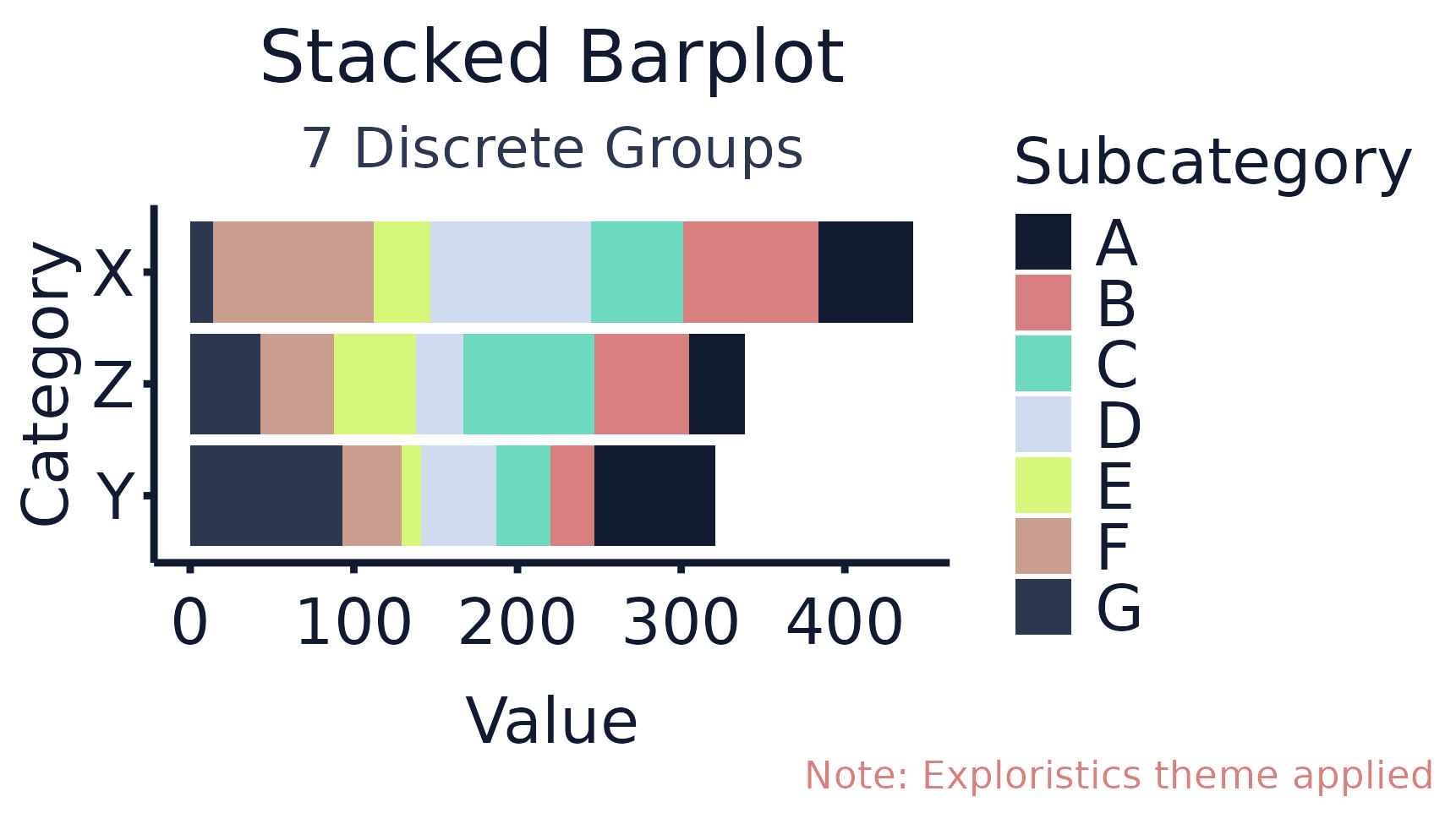
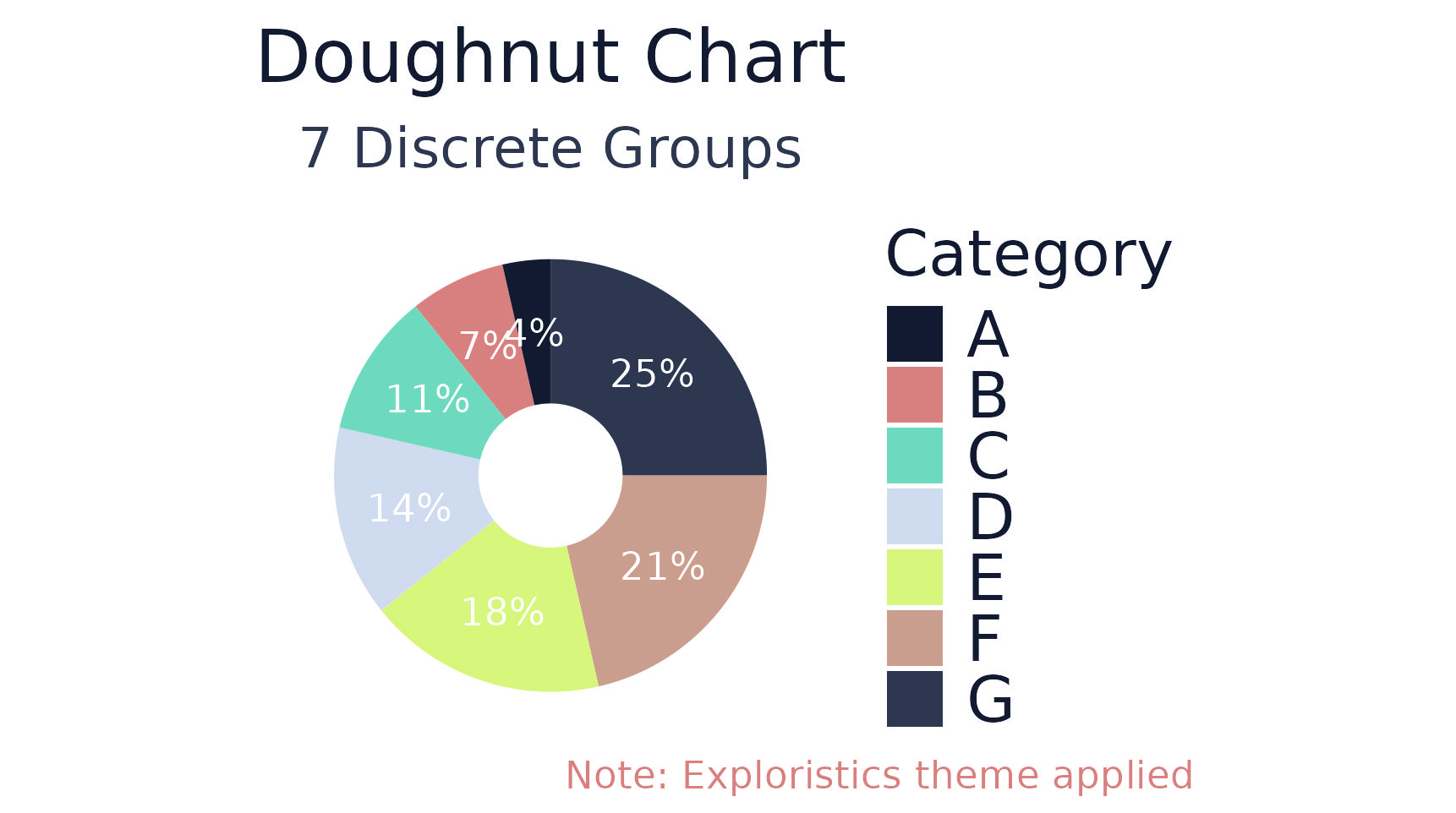
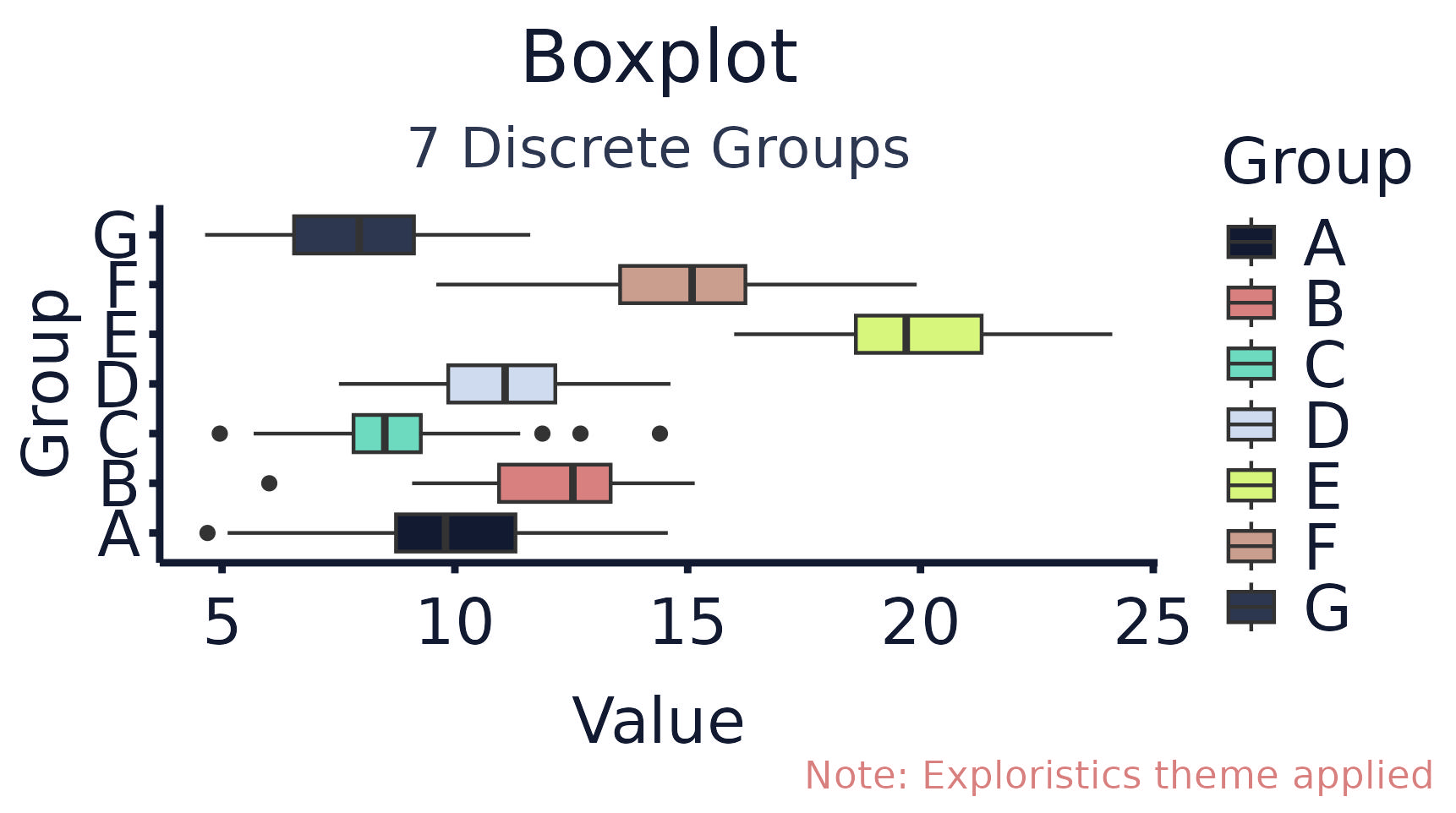
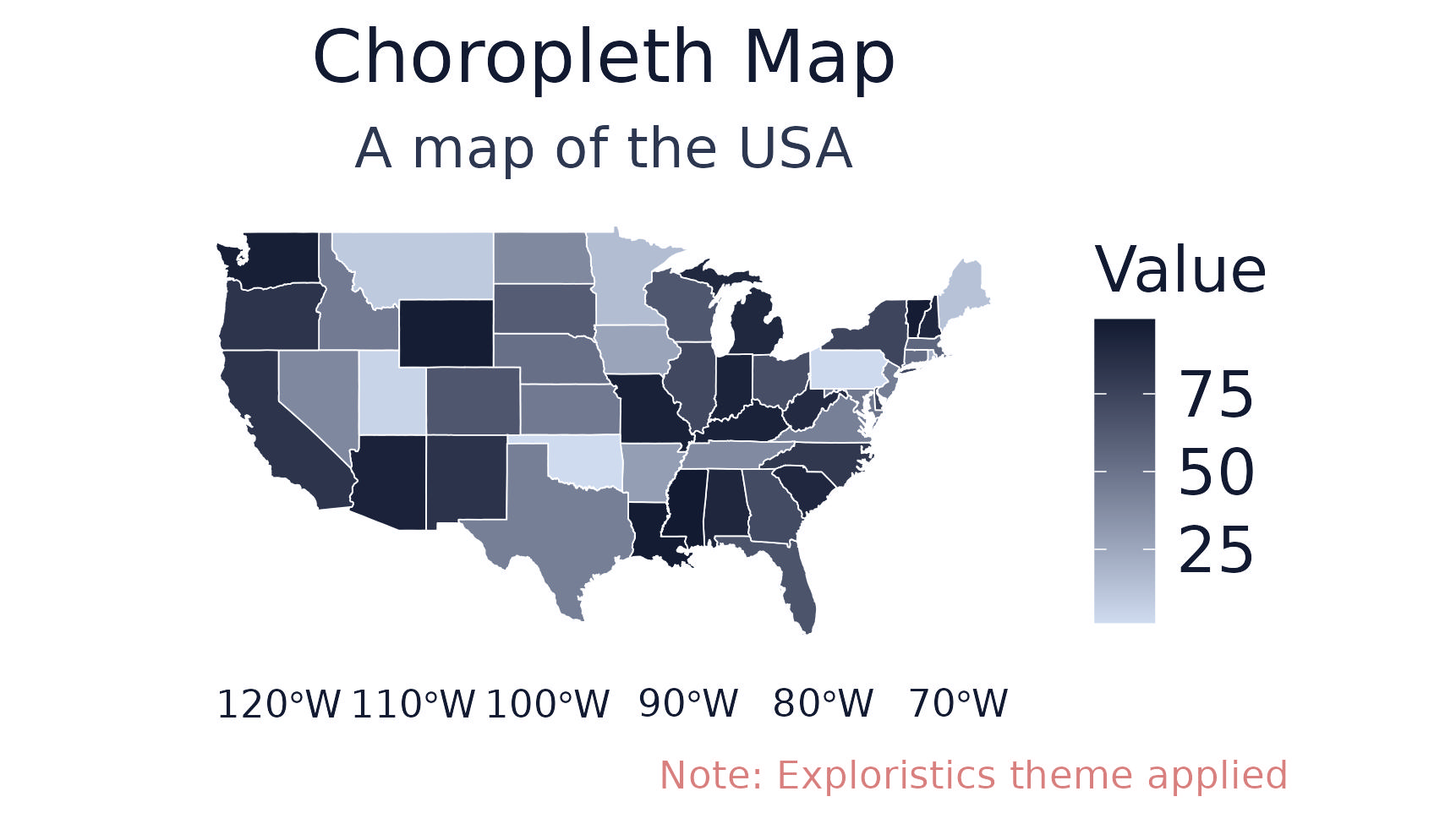
A bespoke ggplot2 theme ultilising the Exploristics brand identity. Using this theme not only enhances the visual appeal of plots but also ensures consistency across all graphical outputs, reinforcing the Exploristics brand presence and professionalism. This theme implements the Exploristics unique colour palette, typography, and stylistic elements. By integrating these brand-specific features into our data visualizations, we aim to provide a cohesive and recognizable look that aligns with our corporate values and aesthetic standards, thereby facilitating clearer communication and a stronger brand connection with our audience.

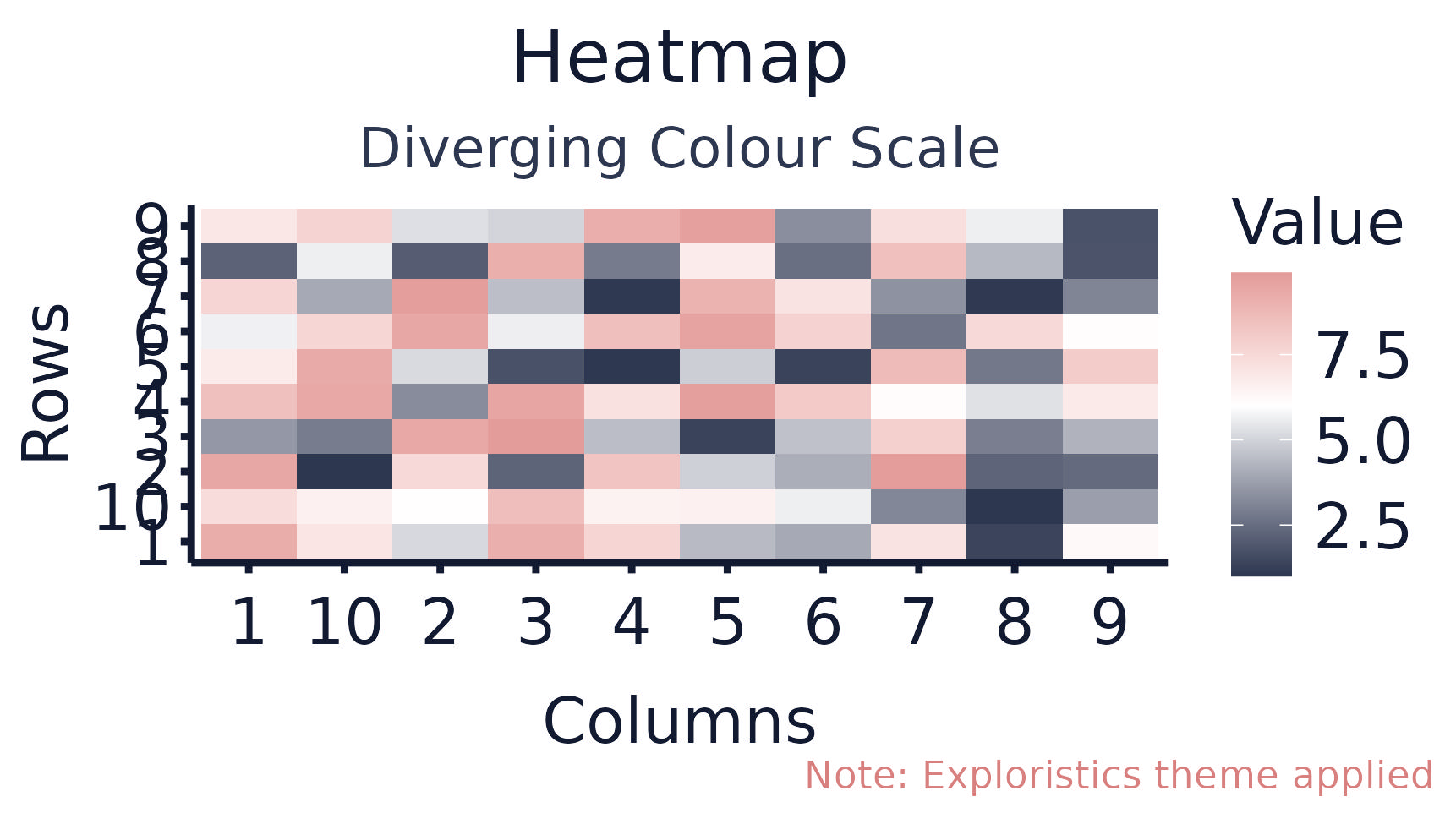
Colour Palettes
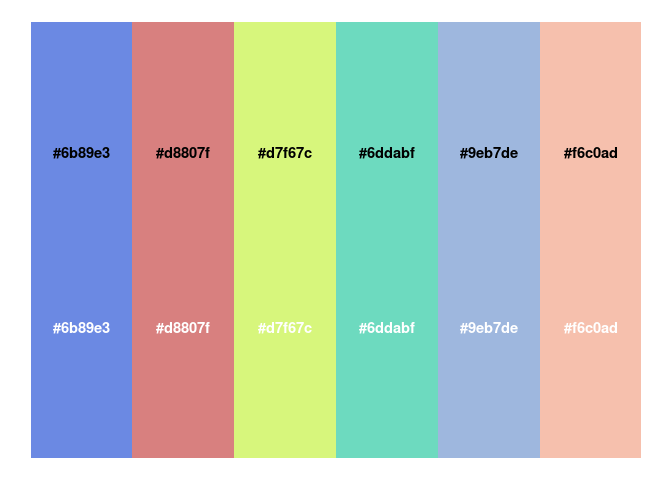
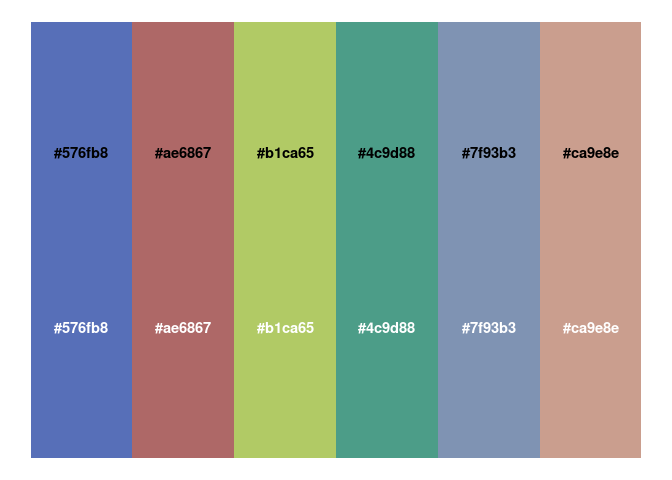
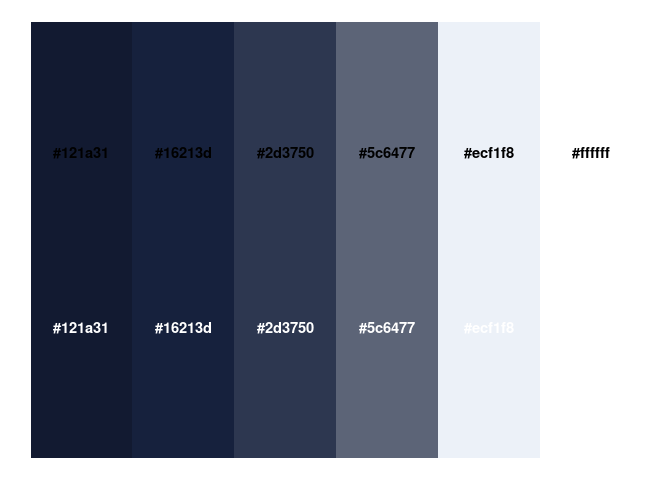
The package has a range of colour palettes that are aligned with Exploristics brand but provide flexibility to create bespoke data visualizations. These palettes are:

Installation
Currently the ExploristicsTheme package is stored on the Exploristics GitHub GitHub repo.
To install ExploristicsTheme package:
- Install the devtools package
install.packages("devtools")- Run the below code to install latest version of
ExploristicsThemepackage.
devtools::install_github("https://github.com/Exploristics/ExploristicsTheme")Code of Conduct
Please note that the KerusCloudVPV project is released with a Contributor Code of Conduct. By contributing to this project, you agree to abide by its terms.