Save a ggplot2 and add a footer with the Exploristics logo.
Source:R/save_with_logo.R
save_with_logo.RdThis function saves a ggplot with a footer with the Exploristics logo and an optional text caption added below the plot.
Usage
save_with_logo(
  plot = NULL,
  filename = NULL,
  text = NULL,
  line = FALSE,
  logo = NULL,
  width = 8,
  height = 8,
  dpi = 300,
  suffix = NULL,
  darkbg = FALSE
)
Arguments
- plot
A ggplot or the path to an image file.
- filename
The file to save the image to. Don't include file extension as it will be saved as a
.png.- text
Optional text to add to the left of the footer. Single line or across 2 lines if you add
\nbetween the lines of text.- line
Add a line between the plot and the footer. Defaults to
FALSE.- logo
Path to an image file to use in the footer. The path must be URL, filename or raw vector. Defaults uses the Exploristics logo supplied with the package.
- width
Width of the plot to save, in inches. Only used if
plotis a ggplot. Defaults to8.- height
Height of the plot to save, in inches. Only used if
plotis a ggplot. Defaults to8.- dpi
Dots per inch to use when saving the plot. Only used if
plotis a ggplot. Defaults to300.- suffix
Suffix to add to the original plot filename. Only used if
plotis an image file. Don't need to include file extension. Defaults to "_with_footer".- darkbg
Default is
FALSE, which uses the Exploristics logo with dark text. Set toTRUEif using a dark background colour in the plot so an Exploristics logo with white text will be applied instead.
Details
This function saves a ggplot with a footer with the Exploristics logo at the bottom-right corner and an optional text caption at the bottom-left corner below the plot.
There is also an option to add a line between the plot and the footer.
The plot will be saved with the footer added is saved to a the provided filename as a .png file.
An image file can also be used with this function, so the Exploristics logo can be added to any plot. The footer will be added to the image then saved to a .png file with the same filename as the original plot image but with the suffix "with_footer" added to it.
Examples
library(ggplot2)
library(magick)
#> Linking to ImageMagick 6.9.11.60
#> Enabled features: fontconfig, freetype, fftw, heic, lcms, pango, webp, x11
#> Disabled features: cairo, ghostscript, raw, rsvg
#> Using 4 threads
library(magrittr)
library(scales)
library(stringr)
## generate a plot with the Exploristics theme
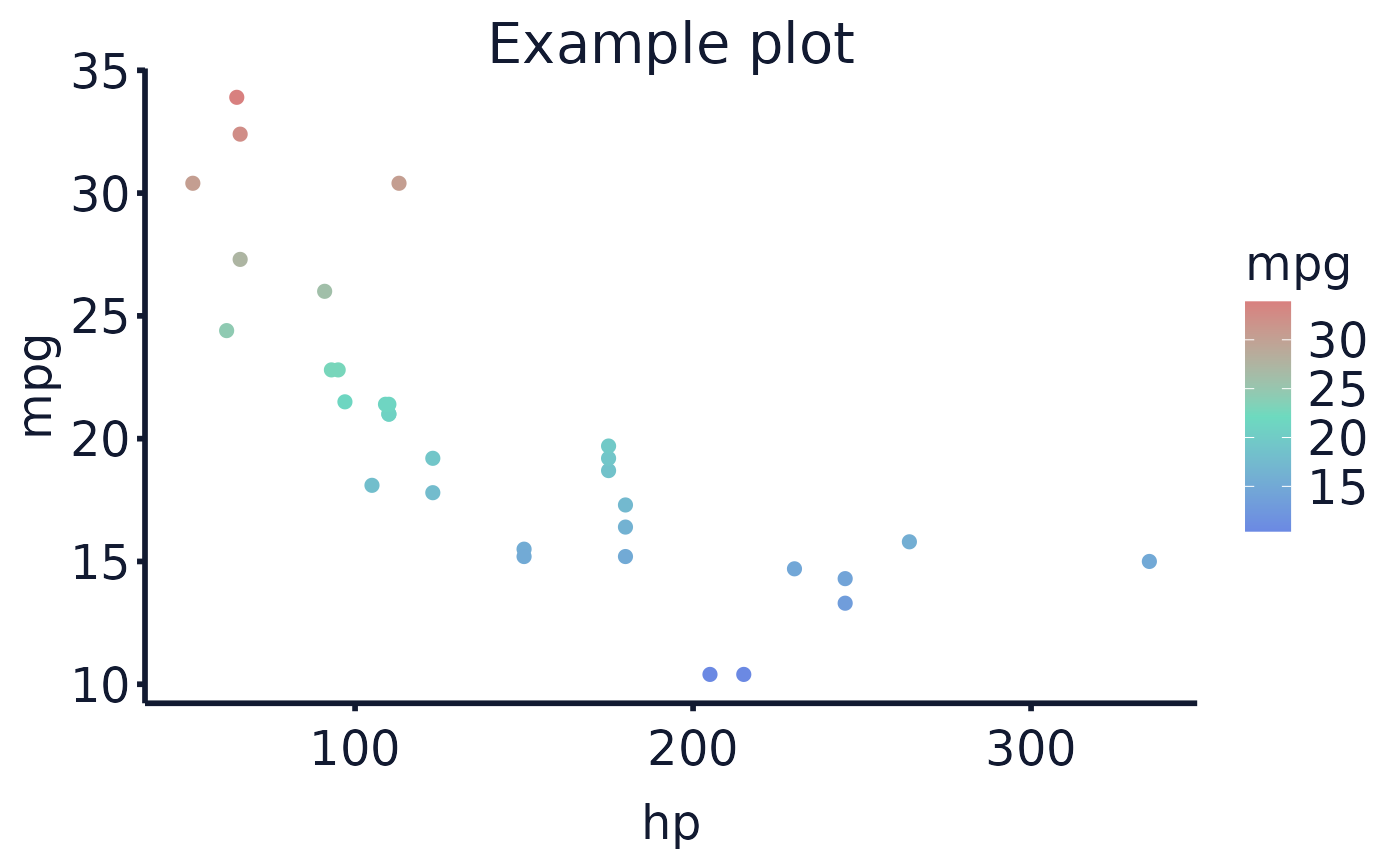
cars_plot <- ggplot(data = mtcars, aes(x = hp, y = mpg, colour = mpg)) +
geom_point(size=2) +
labs(title="Example plot") +
exploristics_theme()
## add colour scheme, wrap text labels and save with the Exploristics logo
cars_plot %>%
exploristics_colour(colour_pal="Expl_RGB") %>%
text_wrapper() %>%
save_with_logo(filename="example_cars_plot", text= "Source:Data source\nProduced by: Name",
width = 8, height = 8, dpi = 300)
## Alternatively, add the Exploristics logo to a previously saved plot ##
## generate a plot with the Exploristics theme
cars_plot <- ggplot(data = mtcars, aes(x = hp, y = mpg, colour = mpg)) +
geom_point(size=2) +
labs(title="Example plot") +
exploristics_theme()
## add colour scheme and wrap text labels
cars_plot %>%
exploristics_colour(colour_pal = "Expl_RGB") %>%
text_wrapper()
 ## save the plot
ggsave(filename = "example_cars_plot.png", width = 8, height = 8, dpi = 300)
## add the footer with the logo to the saved image
save_with_logo("example_cars_plot.png",
text = "Source:Data source\nProduced by: Name")
## save the plot
ggsave(filename = "example_cars_plot.png", width = 8, height = 8, dpi = 300)
## add the footer with the logo to the saved image
save_with_logo("example_cars_plot.png",
text = "Source:Data source\nProduced by: Name")