Introduction to the ExploristicsTheme package
Amy McCorry
Source:vignettes/AdvancedGuide.Rmd
AdvancedGuide.RmdA custom theme and colour schemes for ggplot2.
library(ExploristicsTheme)
library(ggplot2)
library(magick)
library(magrittr)
library(scales)
library(stringr)
Usage
Theme
This package provides a theme() for use with ggplot2. It
has some sensible defaults for font sizes, axis lines etc. You can add
it to your plots using theme_exploristics().
## generate a plot with the Exploristics theme
cars_plot <-
  ggplot(data = mtcars, aes(x = hp, y = mpg, colour = mpg)) +
  geom_point(size = 2) +
  labs(title = "Example plot") +
  theme_exploristics()

cars_plot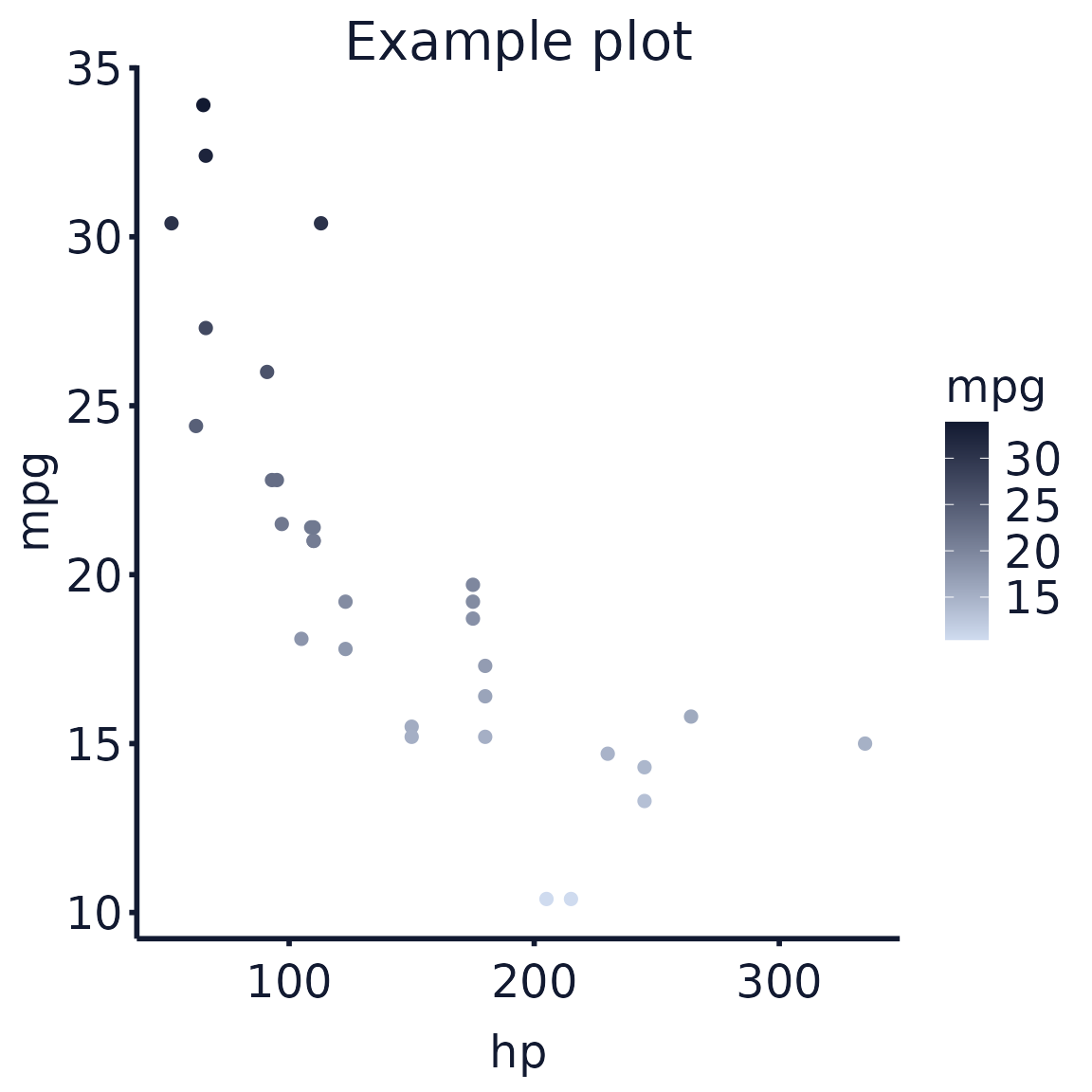
Colour and Fill
To add a colour scheme to your plot use
exploristics_colour() and/or
exploristics_fill().
## add colour scheme and wrap text labels
cars_plot %>%
  exploristics_colour(colour_pal = "Expl_RGB")
Text wrapper
If your plot has long titles or labels, use
text_wrapper() to automatically wrap them onto a new
line.
## generate a plot with a long title
cars_plot <-
  ggplot(data = mtcars, aes(x = hp, y = mpg, colour = mpg)) +
  geom_point(size = 2) +
  labs(title = "Example plot title that is a bit too long to look good without wrapping") +
  theme_exploristics()

cars_plot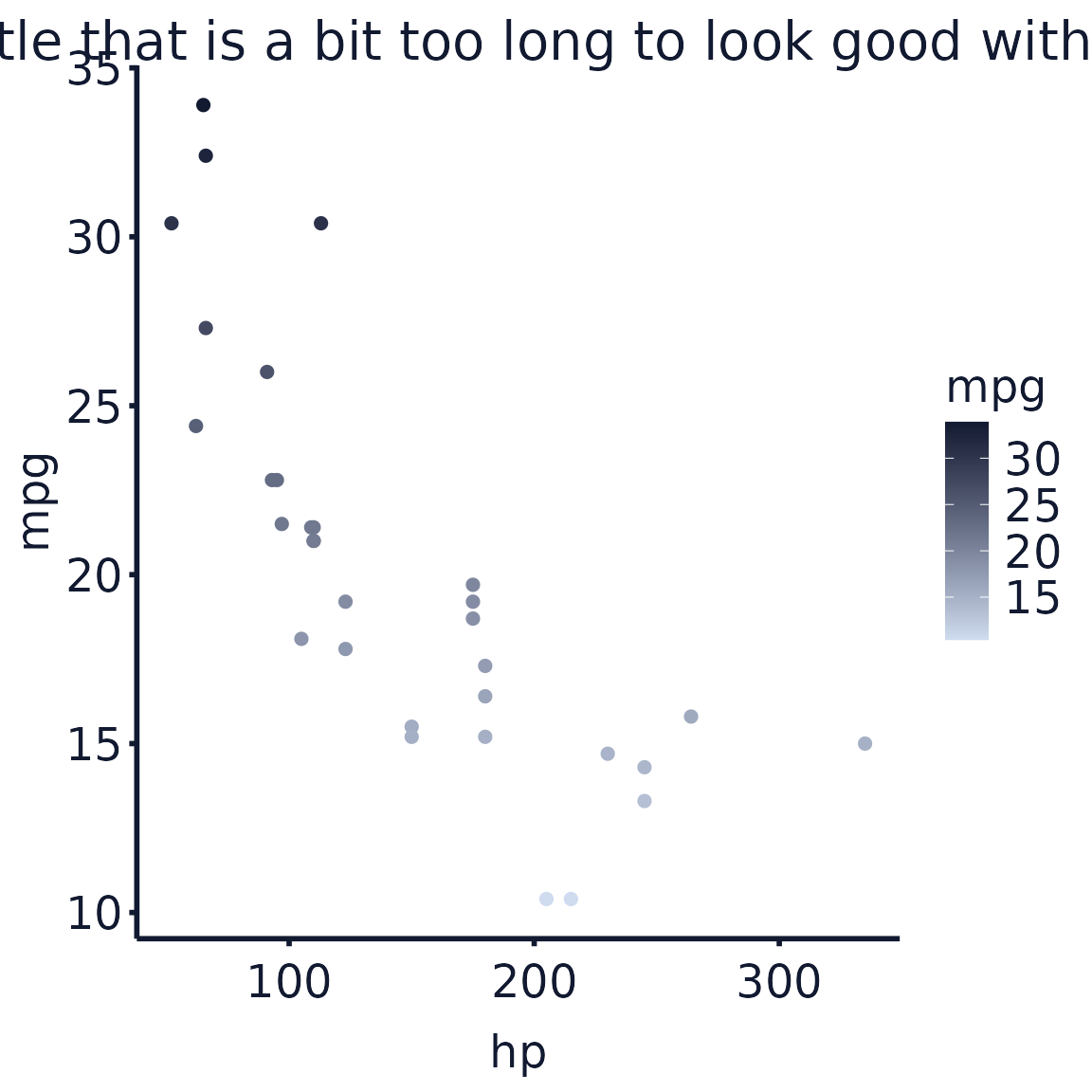
The title above gets cut off, but using text_wrapper()
it will add a new line:
## add colour scheme and wrap text labels
cars_plot %>%
  exploristics_colour(colour_pal = "Expl_RGB") %>%
  text_wrapper()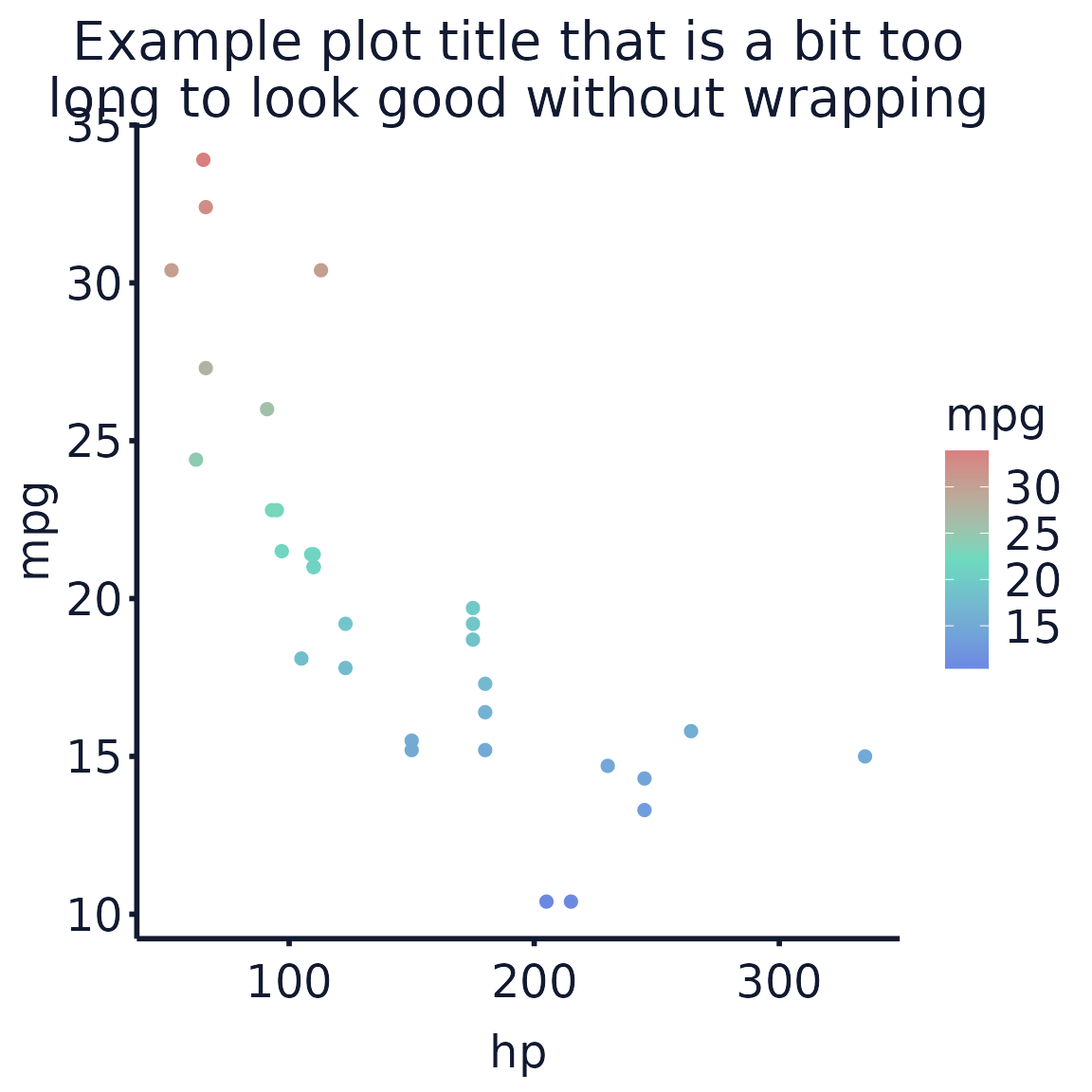
Save with logo
Adding to a ggplot
Use save_with_logo() to add a footer to your plot with
the Exploristics logo and an optional text caption. Specify a
filename without an extension to save the plot to. It will
be saved with the footer added as a .png file.
## add colour scheme, wrap text labels and save with the Exploristics logo
cars_plot %>%
  exploristics_colour(colour_pal = "Expl_RGB") %>%
  text_wrapper() %>%
  save_with_logo(filename = "example_cars_plot", text = "Source:Data source\nProduced by: Name")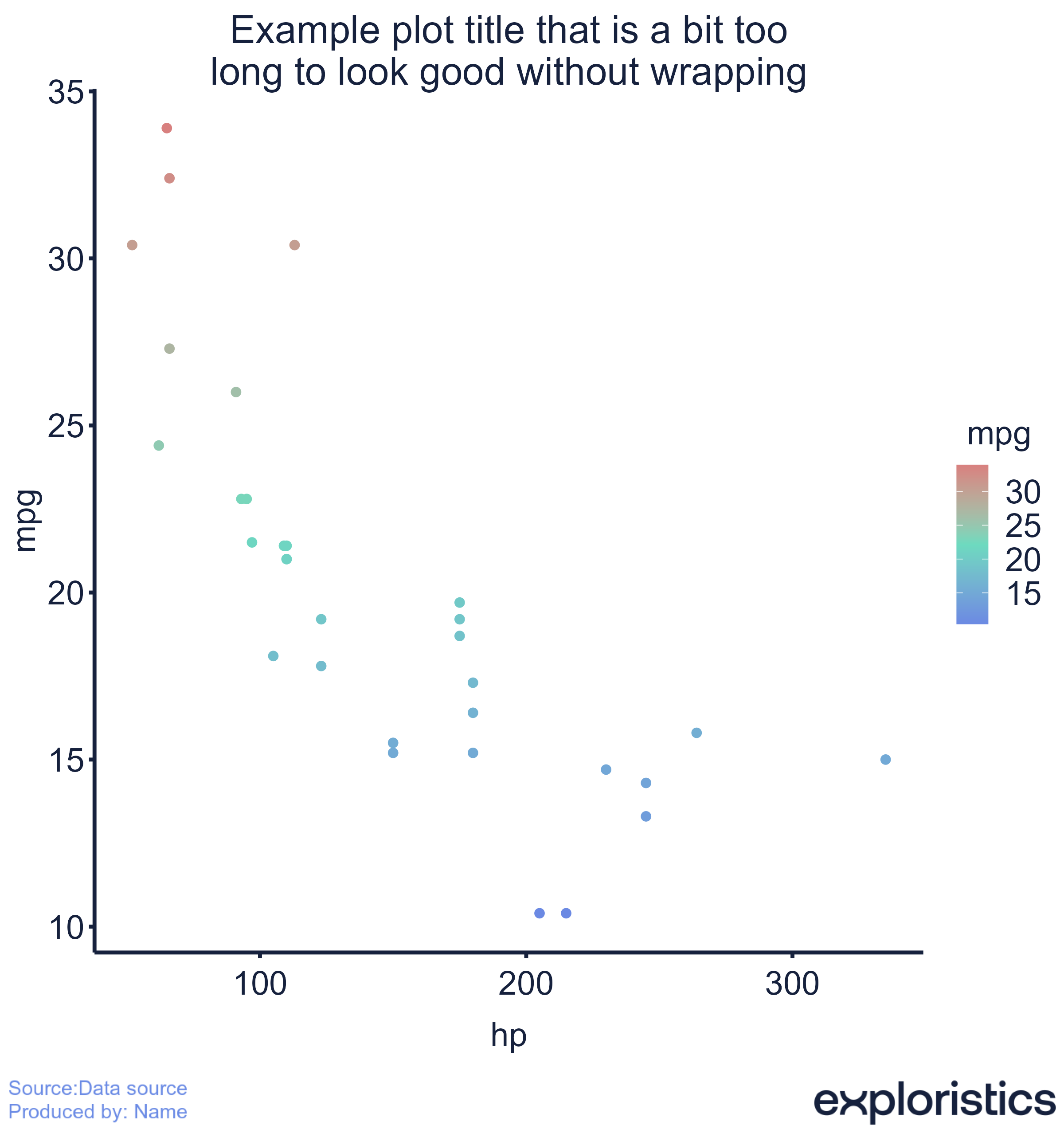
Adding to an image
The footer can also be added to any image file. This could be a plot
you’ve previously generated that didn’t use ggplot2. Here,
a base R plot is saved to an image file. The file is then passed to
save_with_logo() which will save a new plot with the footer
added as a .png file. The default footer suffix of
“_with_footer” is added so the original image file is not
overwritten.
## create a plot and save to a file
png(
  filename = "example_cars_base_r_plot.png",
  width = 8,
  height = 5,
  units = "in",
  res = 300
)
plot(mtcars$hp, mtcars$mpg, pch = 19)
dev.off()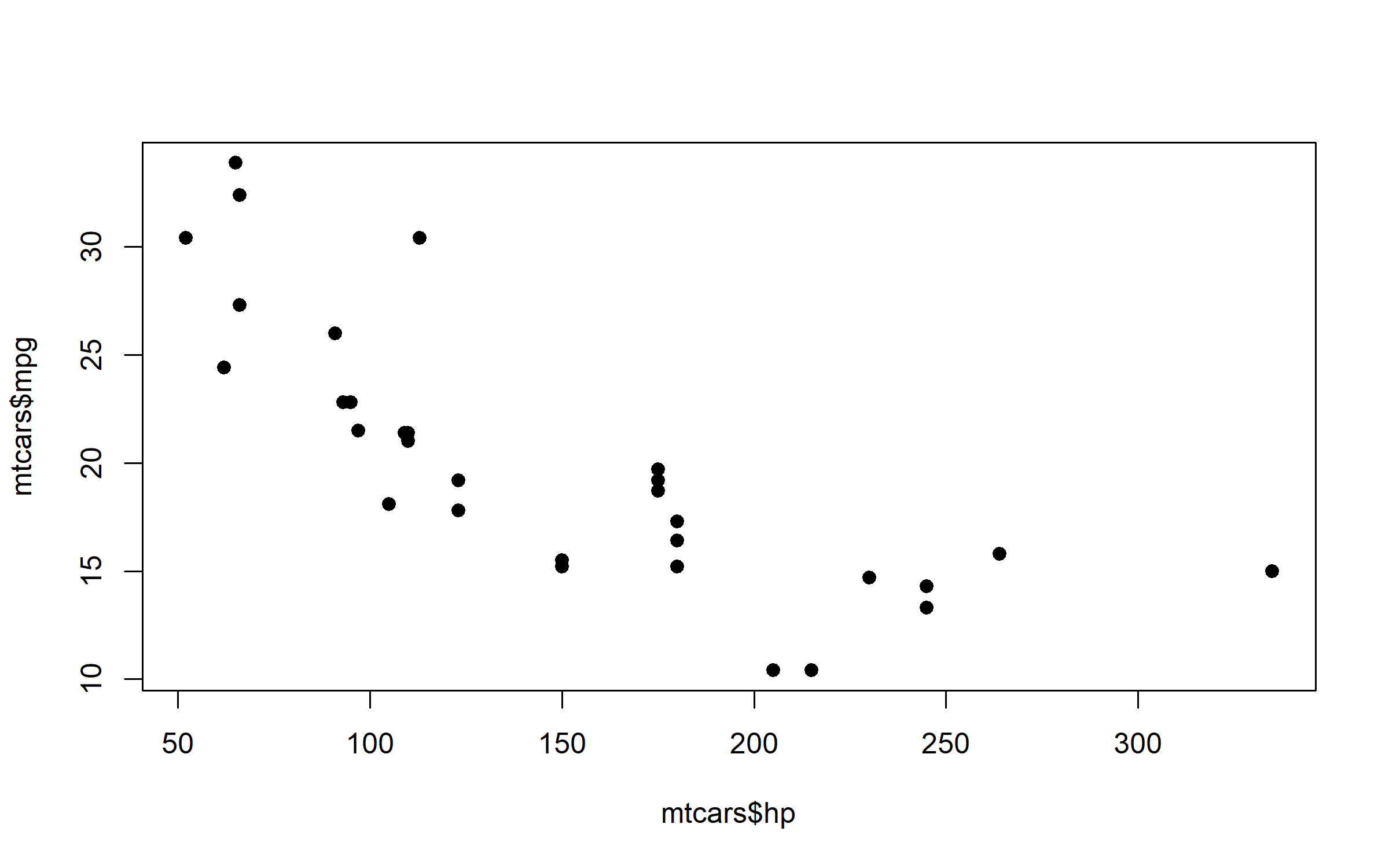
## add the footer to the saved image with a custom caption
save_with_logo("example_cars_base_r_plot.png", text = "Source: Data source")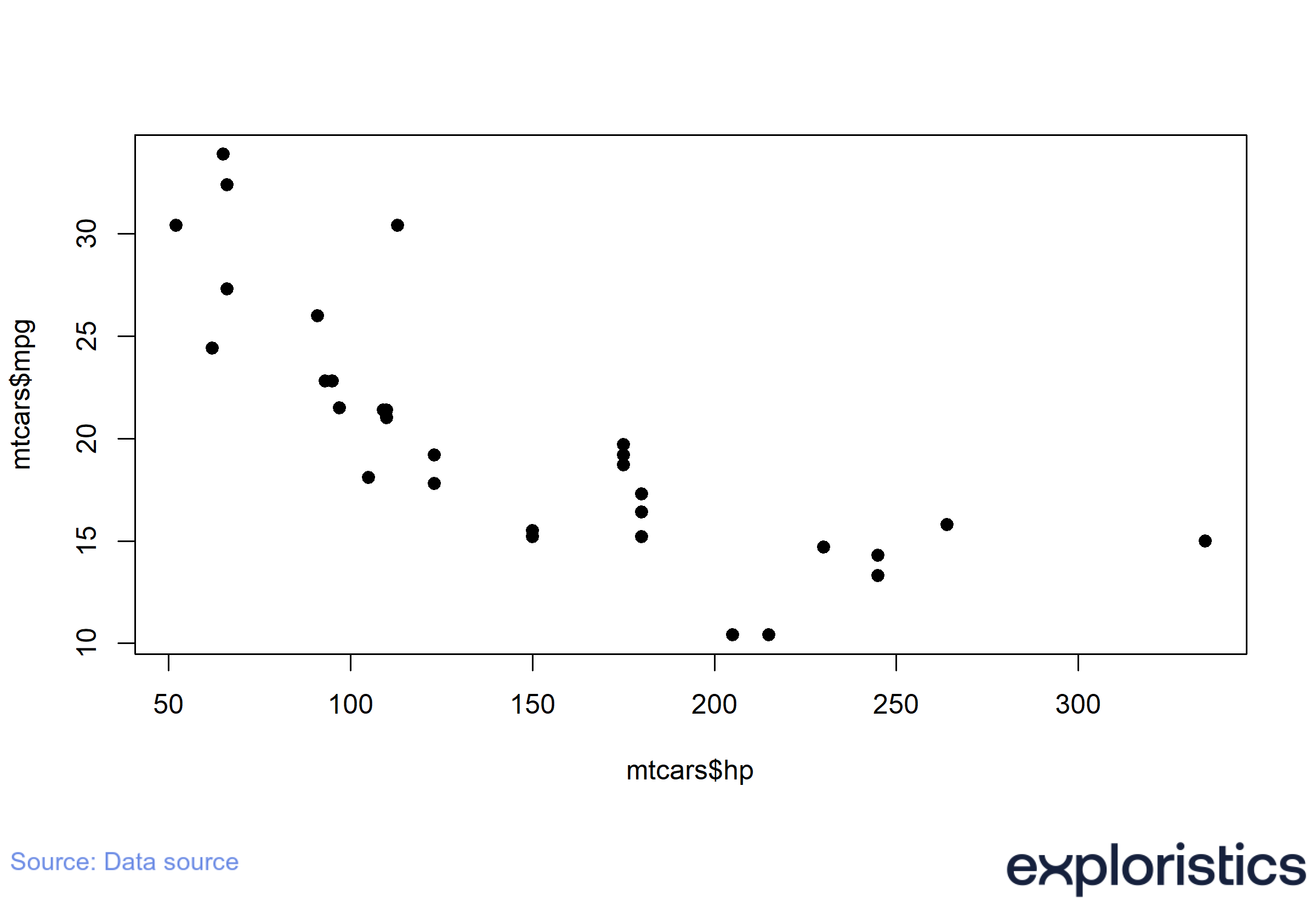
Overwriting the default theme
If you want to change any option in the
theme_exploristics() you can add another
theme() call after it with the formatting you’d like to
overwrite.
## generate a plot with the Exploristics theme
ggplot(data = mtcars, aes(x = hp, y = mpg, colour = mpg)) +
  geom_point(size = 2) +
  labs(title = "Example plot") +
  theme_exploristics()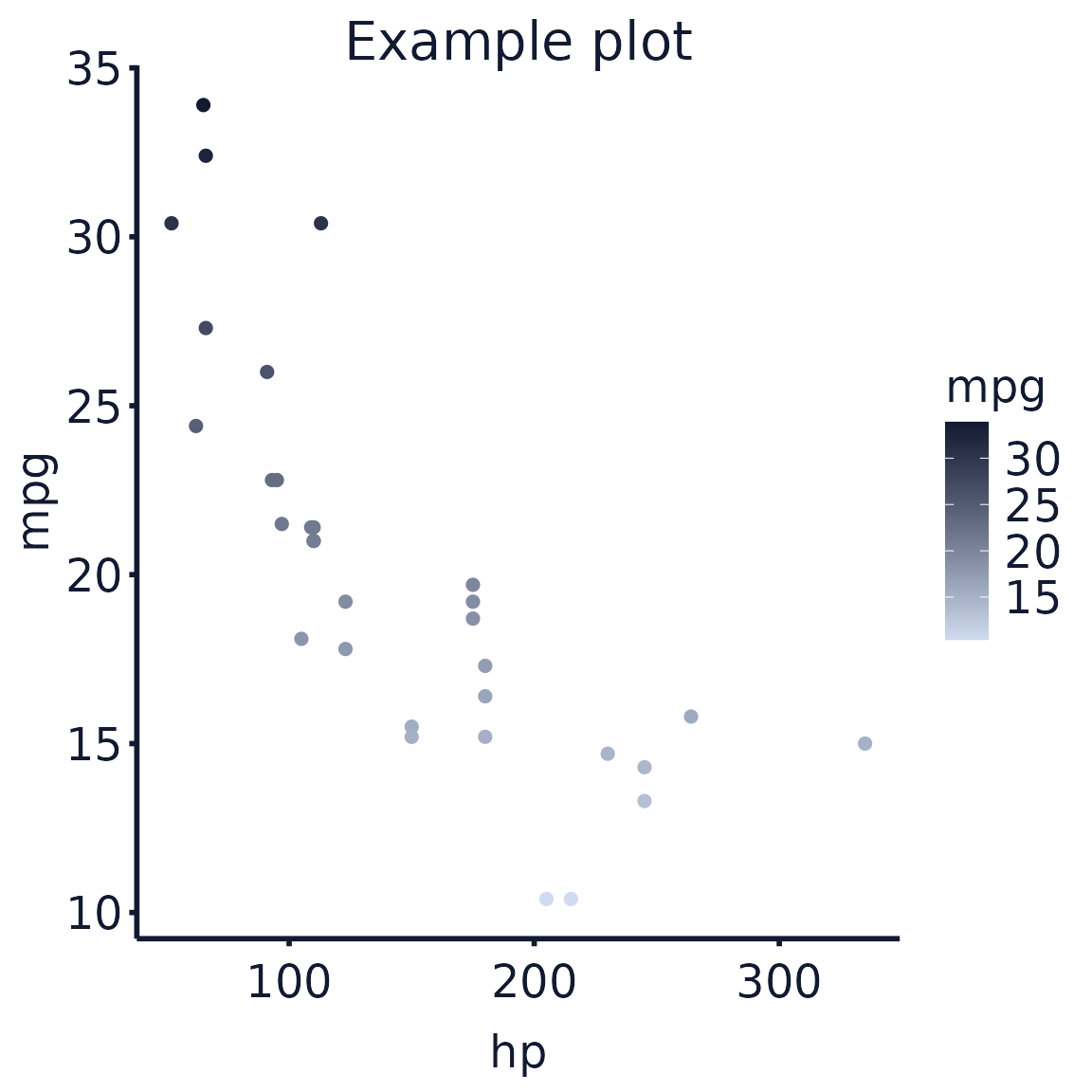
## add `theme()` to change additional options or overwrite `theme_exploristics()` default values
ggplot(data = mtcars, aes(x = hp, y = mpg, colour = mpg)) +
  geom_point(size = 2) +
  labs(title = "Example plot") +
  theme_exploristics() +
  theme(legend.position = "top", legend.text = element_text(size = 12))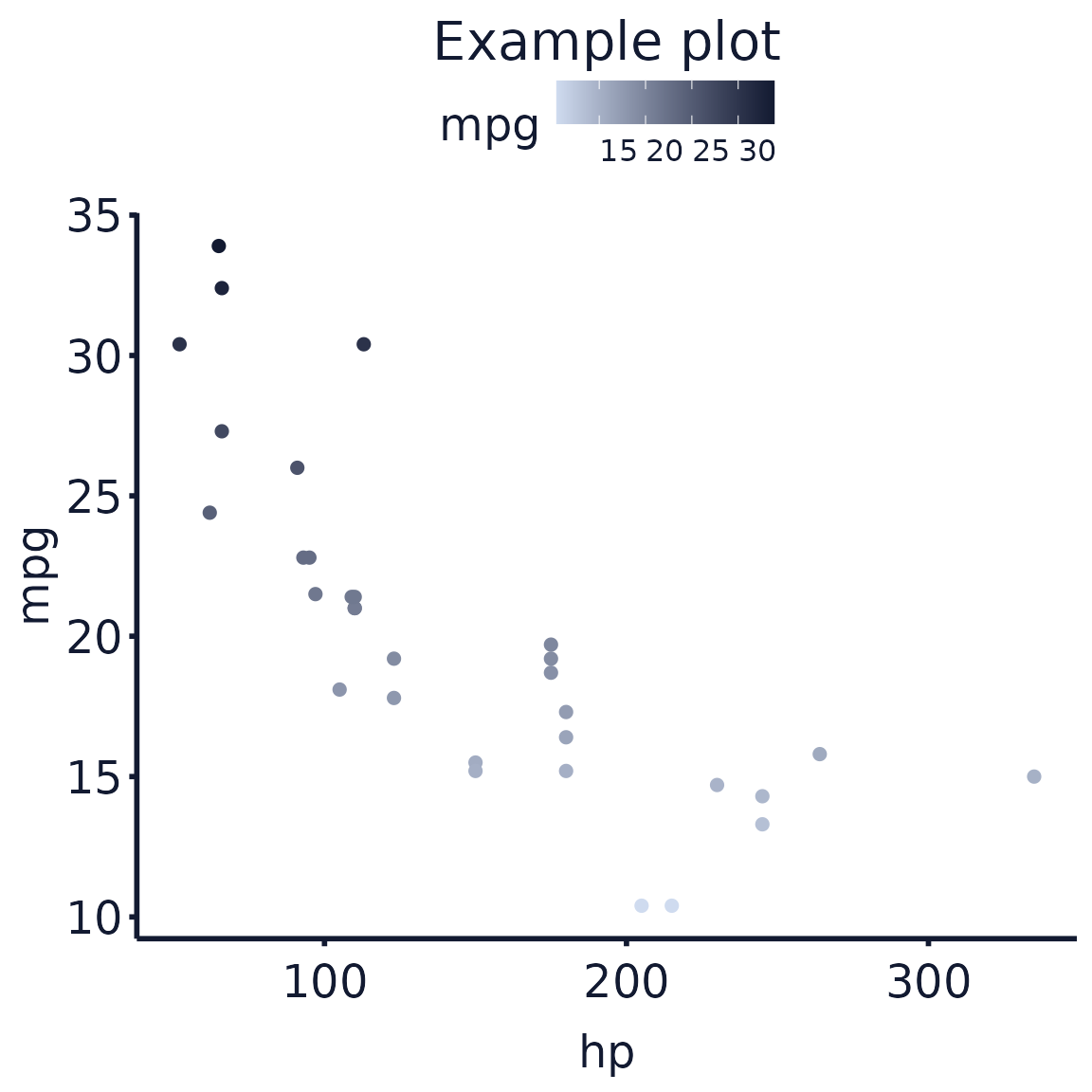
Removing function names from text label
In some cases you may want to plot variables as a specific class,
e.g. a numeric variable as a factor. For this
if you use text_wrapper() it will automatically clean the
axis titles and legend titles to remove the as.*()
functions applied when creating the plot.
## use a numeric variable as discrete by using `as.factor()` when setting `fill`
p <-
  ggplot(data = mtcars, aes(x = cyl, y = mpg, fill = as.factor(cyl))) +
  geom_bar(stat = "identity") +
  theme_exploristics()

## the legend title is "as.factor(cyl)"
p %>%
  exploristics_fill(colour_pal = "Expl_RGB")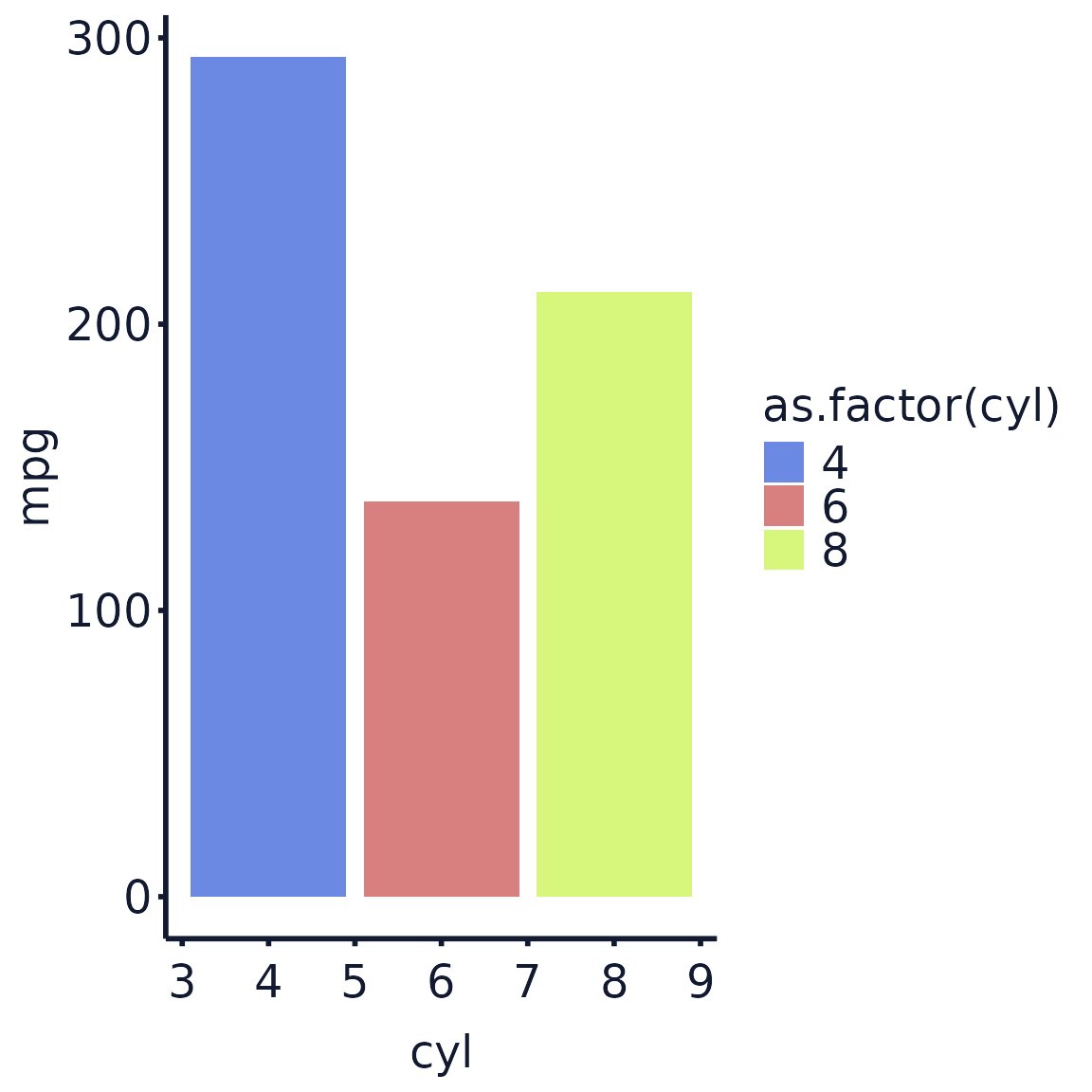
The legend title above would look better with the function call in
it. Using text_wrapper() it will leave the legend title as
just “cyl”:
## but using `text_wrapper()` the legend title is now "cyl"
p %>%
  exploristics_fill(colour_pal = "Expl_RGB") %>%
  text_wrapper()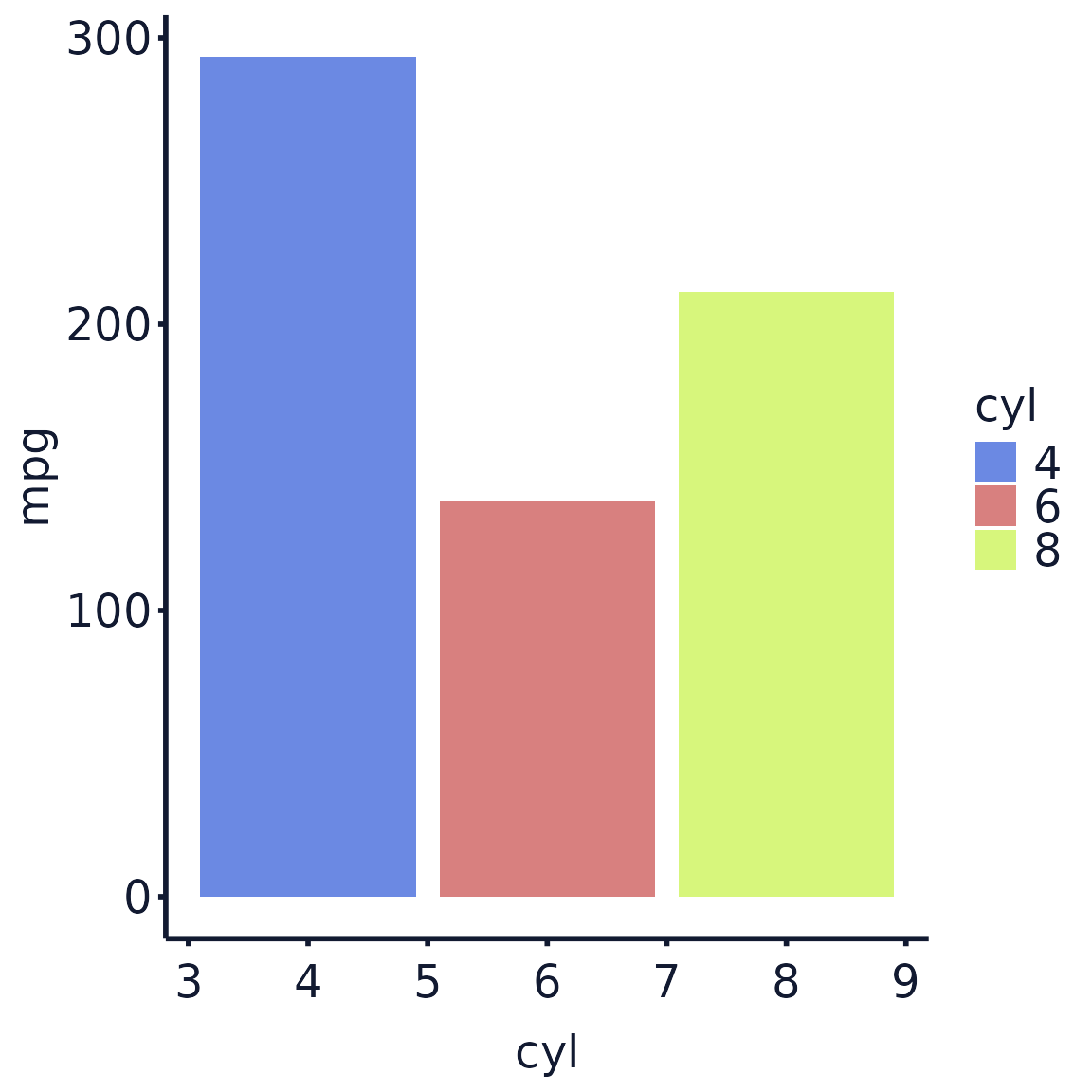
Potential issues
Using fill for bar plots
When setting fill and using geom_bar() the
default border, which is set by colour, can cause
horizontal lines to appear across the bars in the plot.
To fix this set fill and colour in
aes() to the same variable and then add
exploristics_fill() and exploristics_colour()
with both using the same colour palette.
## barplot with both colour and fill specified
cars_plot_col_fill <-
  ggplot(data = mtcars, aes(
    x = cyl,
    y = mpg,
    fill = as.factor(cyl),
    colour = as.factor(cyl)
  )) +
  geom_bar(stat = "identity") +
  theme_exploristics()

cars_plot_col_fill %>%
  exploristics_fill(colour_pal = "Expl_RGB") %>%
  exploristics_colour(colour_pal = "Expl_RGB") %>%
  text_wrapper()